Comparisons
Wedding Photo QR Code vs Google Photos, Dropbox & OneDrive: What's Best for Guest Photos?
September 6, 2026 · 14 min read
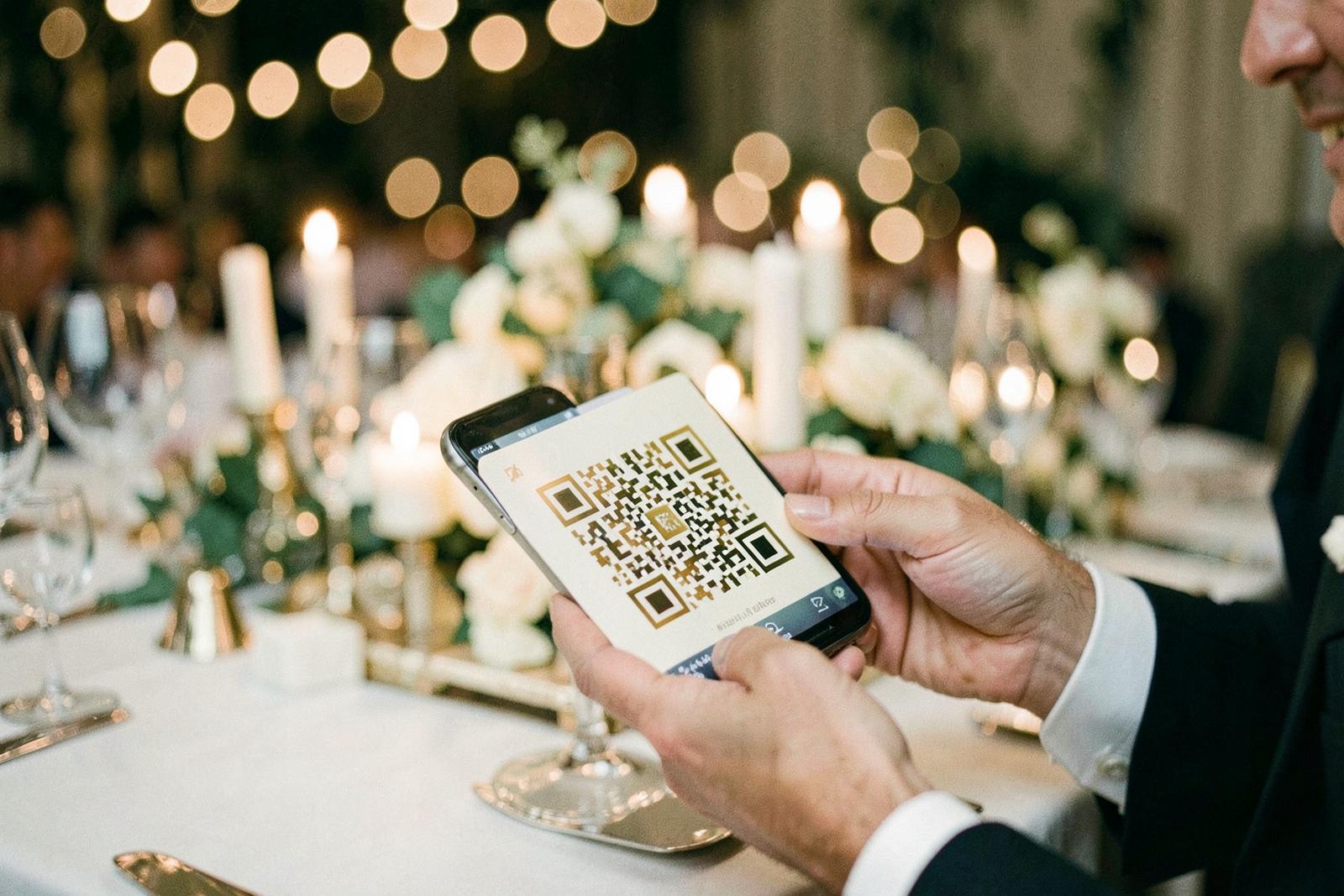
Your guests are going to take hundreds, possibly thousands, of photos at your wedding.
The difficult part is getting them.
Professional photographers naturally focus on the moments they are hired to capture. Meanwhile, your friends and family are photographing everything happening around them: getting ready, cocktails, table selfies, unexpected reactions, videos from the dance floor, and the kind of candid moments nobody could have planned.
Unfortunately, most of those pictures never make it off their phones.
That leaves couples with a simple question:
What is the easiest way to collect wedding photos from guests?
You could create a Google Photos album.
You could send everyone a Dropbox link.
You could use OneDrive.
You could even build something around iCloud or Google Drive.
Or you could use a dedicated wedding photo QR code that lets guests scan, upload, and get back to the wedding.
All of these methods technically work.
They are not equally good at a wedding.
After comparing the most practical options, WeddingPhoto App is our pick for most couples because it is specifically built around the guest experience. Guests scan a QR code, upload their photos and videos from their browser, and do not need to download an app or create an account.
Here is how it compares with the tools you probably already use.
Wedding Photo Sharing Options Compared
| Service | Best For | Guest App? | Guest Account? | Wedding-Specific? |
|---|---|---|---|---|
| WeddingPhoto App | Best overall for weddings | No | No | Yes |
| Google Photos | Existing Google Photos users | Sometimes | Can add friction | No |
| Dropbox | Collecting files into a folder | No | No for File Requests | No |
| OneDrive | Microsoft 365 users | No with eligible File Requests | No | No |
| iCloud Shared Albums | Apple-heavy guest lists | Apple-centric experience | Usually tied to Apple ecosystem | No |
| Google Drive | Manual file organization | Depends on setup | Often | No |
The biggest difference is not storage.
It is friction.
At home, asking someone to sign in, choose permissions, navigate a folder, or figure out where the upload button is might be perfectly reasonable.
At a wedding, you have about five seconds before that person decides to put their phone back in their pocket.
1. WeddingPhoto App: Best Overall for Collecting Wedding Guest Photos
WeddingPhotoApp.com is the option we would choose for most weddings because it starts from a different assumption.
Google Photos, Dropbox, and OneDrive are storage products that can be adapted for weddings.
WeddingPhoto App is built specifically around collecting wedding photos.
You create your event and receive a private gallery and QR code.
Then the guest experience is:
Scan the QR code → Select photos or videos → Upload
There is no app download.
There is no guest account.
There is no need to explain which folder to use.
There is no need to teach grandparents how shared cloud permissions work.
WeddingPhoto App currently supports browser-based photo and video uploads, private galleries, original-quality media, QR codes, unlimited guests on its paid packages, and downloadable ZIP archives. Some packages also include a live slideshow.
Why this matters at a wedding
People behave differently at weddings than they do when sitting at their computer.
Your guests might scan the code while:
- Waiting for dinner
- Standing at the bar
- Sitting between speeches
- Taking a break from dancing
- Riding back to their hotel
- Looking through their camera roll the next morning
The easier the upload process is, the more likely they are to actually finish it.
That is where a dedicated wedding photo QR code has an advantage.
Best for
Couples who want the highest possible participation without asking guests to learn another app.
Pros
- No app download
- No guest account
- Dedicated wedding QR code
- Photos and videos supported
- Private gallery
- Original-quality uploads
- Designed specifically for weddings
- Bulk download available
- Easy to explain on wedding signage
Cons
- Paid compared with DIY options you may already have
- Storage duration depends on the package selected
Verdict
Best choice for most weddings.
If your goal is to collect as many guest photos as possible while making the process almost invisible, WeddingPhoto App is the strongest option here.
2. Google Photos: Best If Your Entire Group Already Uses Google Photos
Google Photos is probably the first alternative many couples consider.
It makes sense.
You might already use it every day, it supports shared albums, and people who have access to a shared album can contribute their own photos and videos. Google also allows albums to be shared using links.
For a small wedding where virtually every guest already understands Google Photos, this could be enough.
Create a shared album, generate a QR code that points to it, print the QR code on your wedding stationery, and ask everyone to contribute.
Simple enough.
At least in theory.
Where Google Photos becomes less convenient
The problem is that Google Photos is designed around photo libraries and Google accounts, not around anonymous wedding guest uploads.
Your guests may include:
- iPhone users who primarily use Apple Photos
- Older relatives who barely use cloud storage
- People with multiple Google accounts
- Guests who are not logged into Google
- People who just want to upload three photos and move on
Every bit of uncertainty reduces participation.
If someone scans your wedding QR code and immediately has to figure out whether they are signed into the correct account, you have created an unnecessary decision.
That is acceptable for a family album.
It is less ideal for an event with 100 guests.
Best for
Small weddings where most guests already actively use Google Photos.
Pros
- Familiar to millions of people
- Shared albums
- Photos and videos
- Link sharing
- May cost you nothing extra if you already use Google storage
- Easy to keep photos alongside your existing library
Cons
- Not built specifically for wedding uploads
- Google account ecosystem can introduce friction
- You need to create the QR code yourself
- Less polished for wedding signage
- Guest participation depends more heavily on familiarity with Google Photos
Google Photos vs WeddingPhoto App
If both systems can collect photos, why pay for a dedicated service?
Because the problem you are solving is not:
"Where can I store pictures?"
It is:
"How do I convince 100 different people to send me their pictures?"
Google Photos is excellent storage.
WeddingPhoto App is better optimized for that second problem.
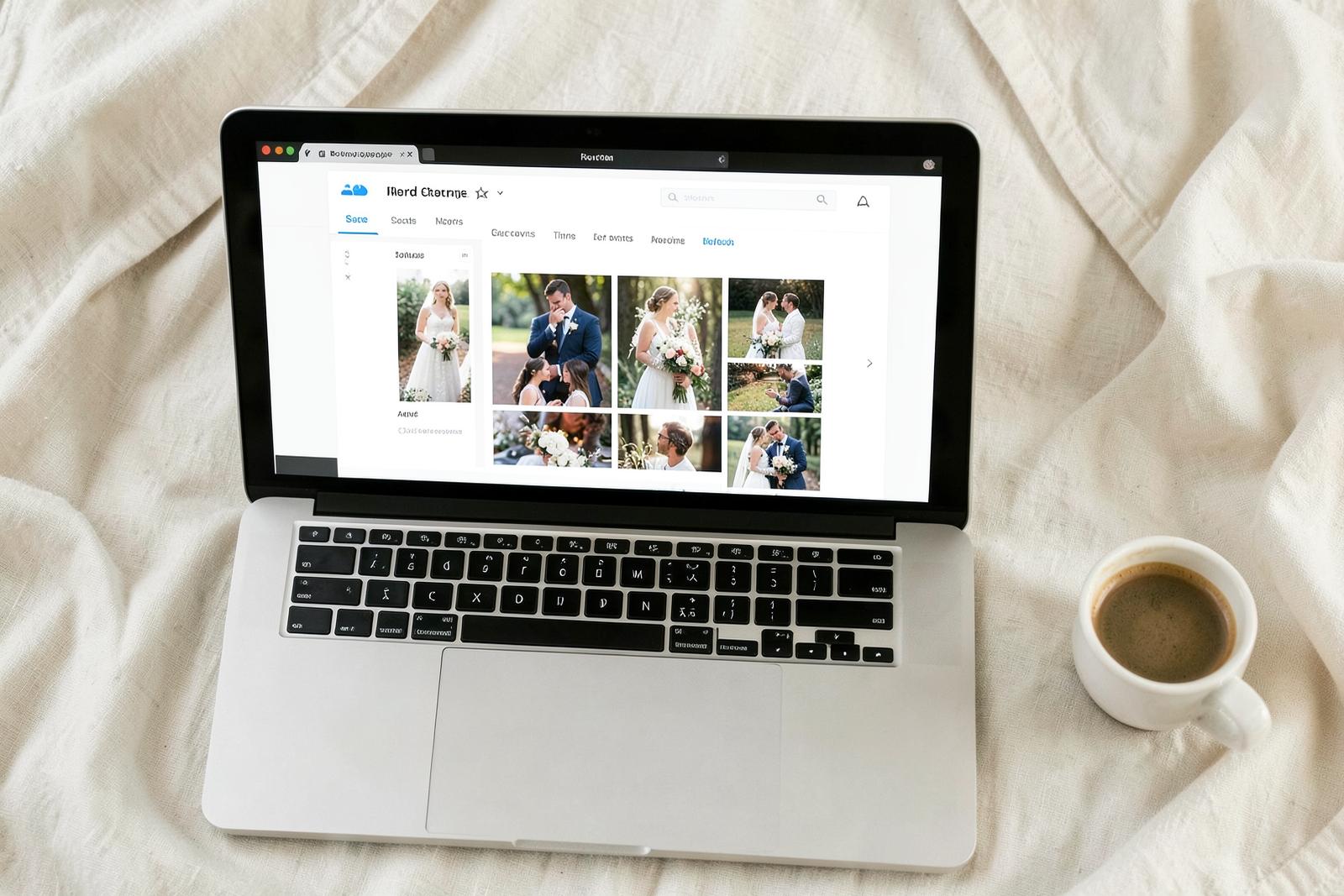
3. Dropbox: Surprisingly Good, but Still Feels Like Dropbox
Dropbox has one feature that makes it much more viable for weddings than many people realize: File Requests.
With a Dropbox File Request, someone can upload files to your Dropbox without having their own Dropbox account. Dropbox says contributors can open the request, add their files, and upload them directly.
That immediately solves one of the biggest problems with generic cloud storage.
You could create a Dropbox File Request called something like:
"Upload Your Photos From Sarah & James' Wedding"
Then take the request link, generate a QR code, and put it around your reception.
Technically, that works very well.
So why is Dropbox not number one?
Because it still feels like a file transfer.
WeddingPhoto App feels like part of your wedding.
That sounds cosmetic, but it affects how people interact with it.
A dedicated wedding gallery gives guests context immediately. They know whose wedding they are contributing to and why they are there.
A Dropbox request is fundamentally a utility page for sending files.
There is another practical consideration: uploaded files use the Dropbox account owner's storage, and Dropbox's file-request limits vary depending on the account plan.
For normal photos this may not matter.
Start collecting hundreds of videos from wedding guests and storage becomes something worth checking.
Best for
Tech-comfortable couples who already pay for Dropbox and mainly care about collecting the original files.
Pros
- Guests can upload without Dropbox accounts
- Straightforward File Request system
- Files arrive directly in your Dropbox
- Good for original files
- Easy to manage afterwards
Cons
- You need to create your own QR code
- Not designed for weddings
- No wedding-style gallery experience
- Storage depends on your Dropbox plan
- Feels more like sending files than sharing memories
Dropbox vs WeddingPhoto App
Dropbox is probably the strongest DIY alternative on this list.
If you already pay for Dropbox and do not care about the guest-facing experience, it can absolutely work.
If you want something that looks and behaves like a wedding experience from the moment the QR code is scanned, WeddingPhoto App wins.
4. OneDrive: Useful for Microsoft Users, but There Is a Catch
Microsoft OneDrive also offers a Request Files feature.
It works similarly to Dropbox.
You select a folder, create a file request, and send people a link. Anyone with the link can upload files without needing their own OneDrive account. Contributors cannot browse the other contents of your folder.
That sounds almost perfect for a wedding.
There is one important limitation.
Microsoft states that the Request Files feature applies to OneDrive for Business and SharePoint environments and is not available for regular OneDrive home accounts. It may also depend on organizational settings.
That makes it much less universal than Dropbox.
Best for
Couples who already have access to an eligible Microsoft 365 or OneDrive for Business setup.
Pros
- Uploaders do not need OneDrive accounts
- Files arrive directly in your selected folder
- Guests cannot browse your private OneDrive contents
- Familiar option for Microsoft users
Cons
- File Requests are not available to ordinary OneDrive home users
- Designed for business file collection, not weddings
- You need to generate the QR code yourself
- No wedding gallery experience
- Overkill if you otherwise have no reason to use Microsoft 365
OneDrive vs WeddingPhoto App
If your workplace already gives you the right OneDrive setup, you can certainly make it work.
But setting up business-oriented cloud storage to collect wedding pictures is solving a simple problem with a fairly complicated tool.
WeddingPhoto App gives you the wedding-specific workflow from the start.
5. iCloud Shared Albums: Convenient Until Someone Doesn't Use Apple
For couples deeply inside Apple's ecosystem, an iCloud Shared Album can seem like the obvious choice.
You already have an iPhone.
Your partner has an iPhone.
Half your friends have iPhones.
Why introduce another service?
For a small Apple-heavy gathering, that can work.
The problem is weddings rarely have a perfectly uniform guest list.
Your college friends might use iPhones.
Your cousin might use a Samsung.
Someone's partner might use a Pixel.
Your grandparents might have a phone nobody has heard of since 2019.
The moment your workflow works brilliantly for one group and awkwardly for another, it stops being ideal for collecting photos from everyone.
Best for
Small gatherings where practically every contributor is already comfortable with Apple Photos and iCloud.
Pros
- Integrated into the Apple ecosystem
- Convenient for existing Apple users
- Familiar photo browsing experience
- Good for ongoing albums among family and friends
Cons
- Less universal across a mixed guest list
- Not built specifically for weddings
- Requires extra work to turn into a QR-based wedding workflow
- Guest instructions may need to be more detailed
6. Google Drive: It Works, but There Are Better Choices
Another obvious idea is creating a Google Drive folder and sharing it.
After all, Drive is built to store files.
The problem is permissions.
A folder that lets people add files is not necessarily the same thing as a clean anonymous upload portal.
You need to think about:
- Who can open the folder
- Who can add files
- Whether guests need Google accounts
- Whether people can see other files
- Whether someone can accidentally modify things
- How the folder permissions should be configured
None of that is impossible.
It is just unnecessary.
If you specifically want files sent into general cloud storage, Dropbox File Requests are cleaner.
If you specifically want wedding photos, a wedding-specific service is cleaner still.
The Real Difference: Storage vs Collection
This is the most important distinction in the entire comparison.
Google Photos, Dropbox, OneDrive, Google Drive, and iCloud are mostly answers to this question:
Where should I keep my files?
A wedding photo sharing service is answering:
How do I get all my guests to give me their photos?
Those are related problems.
They are not the same problem.
Think about your professional wedding photographer.
They do not send every guest instructions for uploading photographs to your personal cloud storage.
They use systems designed around photography delivery because purpose-built tools usually create a smoother experience.
Guest photo collection is similar.
Why QR Codes Work So Well at Weddings
QR codes remove another important piece of friction: typing.
Imagine putting this URL on a reception table:
weddingphotoapp.com/e/sarah-and-james-2026
Now imagine asking 120 people to type it correctly.
Some will.
Many will not.
A QR code turns that process into a camera scan.
That means you can put your photo upload link anywhere guests naturally look.
Good locations include:
- Table cards
- Welcome boards
- Menus
- Bar signs
- Cocktail tables
- Guestbook stations
- Photo booths
- Wedding programs
- Bathroom mirror signs
- Place cards
You can even show it briefly on a reception screen between other announcements.
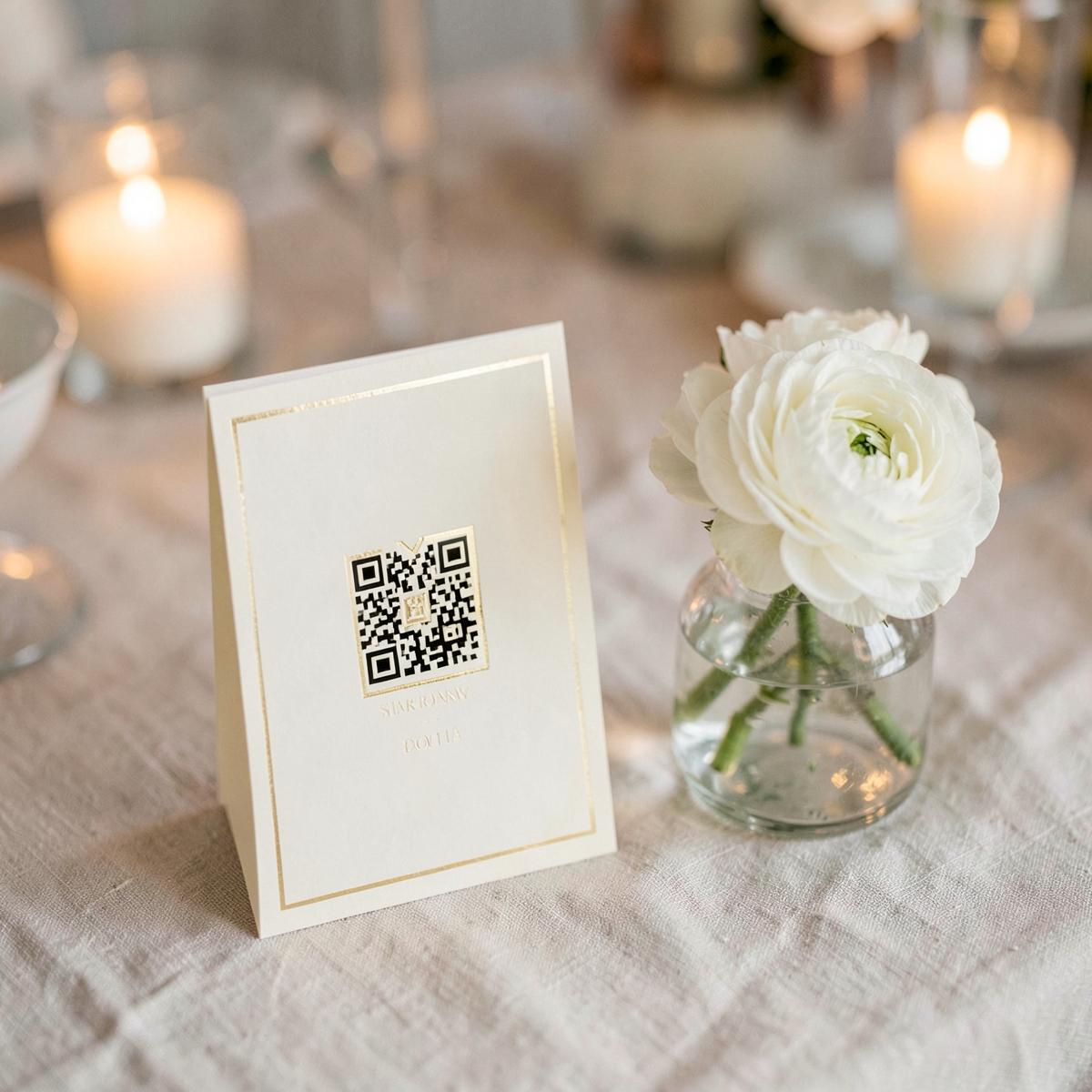
The Best Wedding QR Code Sign Does Not Need Much Text
Do not turn your sign into an instruction manual.
Something like this is enough:
We want to see the wedding through your eyes.
Scan to share your photos & videos.No app or account needed.
That last line is particularly useful when using WeddingPhoto App because it answers the question guests are likely to have before they even scan.
What About WhatsApp?
WhatsApp deserves a mention because this is probably how many couples collect photos accidentally.
Someone creates a wedding group.
People start posting pictures.
Suddenly there are 700 messages.
Photos are mixed with congratulations, emojis, transport questions, memes, and somebody asking who took their jacket.
Then you need to save everything manually.
WhatsApp is excellent for conversation.
It is not a wedding photo archive.
The same applies to iMessage, Facebook Messenger, Instagram DMs, and group chats.
If you already know you want everyone's pictures, collecting them into one purpose-built destination from the beginning is much easier.
What About AirDrop?
AirDrop is fantastic when six people are standing around after brunch.
It is less useful when 150 wedding guests have already gone home.
You also need to physically be nearby, and Android users are excluded.
Use AirDrop for grabbing a few specific photos.
Do not make it your wedding photo strategy.
Free vs Paid Wedding Photo Sharing
Google Photos, existing cloud storage, or DIY QR codes have an obvious advantage.
They can be free.
If your wedding has 20 guests and everyone knows exactly what to do, that may be all you need.
But weddings are one of those situations where the cheapest tool is not automatically the best value.
Think about what you are actually trying to preserve.
Guest pictures may include moments your photographer did not capture at all.
Once everyone goes home and another week passes, getting those photographs becomes progressively harder.
Paying for a smoother collection system can be worth far more than saving a relatively small amount and receiving fewer photos.
Which Option Should You Choose?
Here is the simplest way to decide.
Choose Google Photos if:
Your wedding is small and most guests already use Google Photos regularly.
Choose Dropbox if:
You already have plenty of Dropbox storage and care mainly about receiving the files, not the gallery experience.
Choose OneDrive if:
You already have an eligible business or Microsoft 365 setup and want uploads going directly into OneDrive.
Choose iCloud if:
Your wedding is small and almost everybody contributing is firmly inside the Apple ecosystem.
Choose WeddingPhoto App if:
You want the easiest overall experience for a normal wedding with a mixed guest list.
That is why WeddingPhoto App is our recommendation for most couples.
Frequently Asked Questions
What is the easiest way for wedding guests to upload photos?
A browser-based wedding photo QR code is one of the easiest options because guests can scan a code using their phone camera and upload directly.
WeddingPhoto App is particularly straightforward because guests do not need an app or an account.
Can I use Google Photos to collect wedding photos?
Yes.
You can create a shared Google Photos album and allow people with access to contribute photos and videos.
It works best when the people contributing are already comfortable with Google Photos.
Can people upload to Dropbox without an account?
Yes.
Dropbox File Requests allow people to contribute files without having their own Dropbox account.
Can people upload to OneDrive without an account?
Microsoft's Request Files feature allows anyone with the request link to send files without having OneDrive themselves. However, the feature is associated with OneDrive for Business and eligible SharePoint setups rather than standard OneDrive home accounts.
How do I make a QR code for wedding photos?
You need two things:
- A destination where photos can be uploaded.
- A QR code pointing to that destination.
You can manually create this using a cloud service and QR generator, or use a wedding photo service such as WeddingPhoto App that creates the event gallery and QR code together.
Do guests need to download a wedding photo sharing app?
Not necessarily.
With WeddingPhoto App, guests scan the QR code and upload through their phone browser without installing an app.
Is a wedding photo QR code worth it?
For medium and large weddings, usually yes.
It gives every guest one consistent place to send photos and reduces the amount of chasing you need to do afterwards.
Final Verdict: Use Storage for Storage, Use a Wedding Tool for a Wedding
Google Photos is excellent at managing photo libraries.
Dropbox is excellent at transferring files.
OneDrive is excellent cloud storage.
iCloud works beautifully inside the Apple ecosystem.
None of them are bad products.
They were simply built to solve broader problems.
If the specific problem in front of you is:
"We have dozens or hundreds of wedding guests taking pictures. How do we get those pictures into one place without making this complicated?"
Then we would choose WeddingPhoto App.
You create the event.
You put the QR code around your venue.
Guests scan it.
They upload their photos and videos.
You end up with one private collection containing all the moments that happened outside your photographer's lens.
Sometimes the best wedding technology is the technology your guests barely notice using.